
Published on Aug 28, 2025
Managing Your Personal Profile
Your profile page is where you can personalize your account with your personal information and photo. You can access this page by navigating to Settings > Account > My Profile from the main dashboard sidebar.
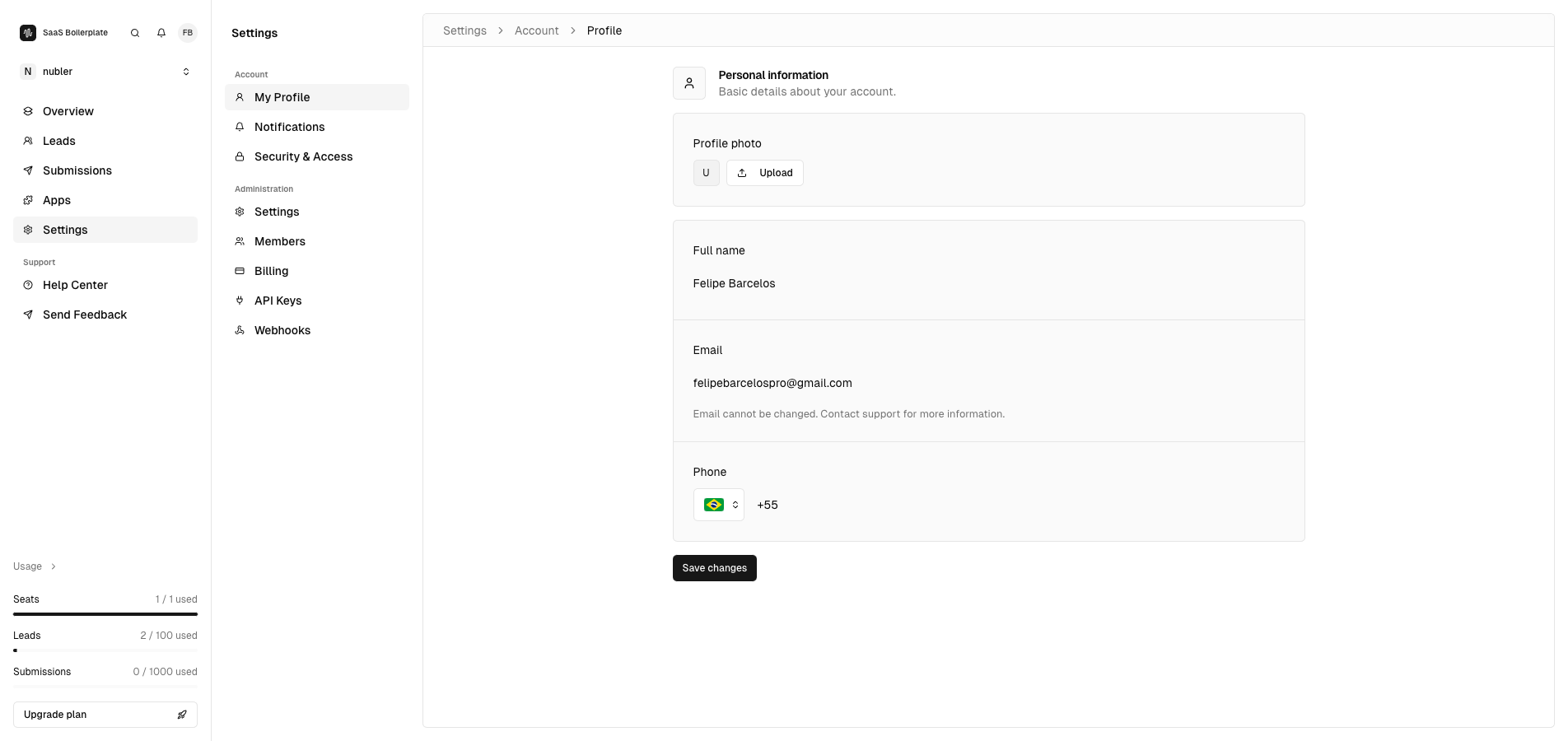
This page is organized into several key sections that allow you to customize your personal account:
Profile Photo
The profile photo section is located at the top of the page and displays your current profile picture.